Solutions04 of 06

Data and Document Workflows

Turn documents into information your business can use.

Important information is often trapped inside forms, attachments and unstructured documents.

Delivered asAI SystemsHybrid OperationsSkilled People

Common challenges

Why it gets harder as you grow.

Much business information arrives locked in documents. Someone reads each one and types it somewhere else, and they are usually qualified for more.

No two documents are alike
The same information sits in a different place on every supplier’s form.
Confidence varies
A system can read most fields well and still be wrong on the one that matters.
Quality is invisible until it fails
Bad data is discovered when a report, a payment or a customer goes wrong.

When this is useful

  • 01People retype information from documents into systems
  • 02Errors are found after the data has been used
  • 03Documents arrive in many layouts
  • 04Onboarding or intake waits on data entry

How Kluvor can help

The same work, arranged differently.

As it often isAs it could be

Every document is read by a person

People read only what needs judgment

Records drift out of date

Records are checked on a schedule

Quality is assumed

Quality is sampled and reported

A description of the approach, not a promise of a result. What changes for you depends on where you start.

A practical example: A supplier onboarding document

A supplier onboarding document

A supplier form becomes a structured record. Select a field in the record to see where it came from.

01Incoming work

Supplier form · sample

New supplier details

Legal name
Northgate Supplies Ltd
Registration no.
08841526
Tax identifier
GB 284 6621 07
Address
14 Canal Street, Leeds
Accounts contact
accounts@northgate.example

02Document intake agent

  1. Document read
  2. Fields extracted
  3. Record organised
  4. Values validated
  5. Uncertain values checked
  6. Record prepared

Run the workflow to see each stage.

03Result

Nothing yet. The result is built as the agent works.

Ready

In the example

What the agent does, and what stays with people.

A reviewer decides anything uncertain, with the source in front of them. An agent assists with extraction and validation; it does not treat an unverified value as true.

What enters
A document: a form, an attachment, a scan.
What the agent handles
Reading it, extracting the fields that matter, organising them into a record, and checking each against its requirement.
What it draws on
The requirements you set for each field.
When it is uncertain
It marks the value as not found or not verified, and shows where it looked.
What people remain responsible for
Deciding what to do about uncertain or missing values, and the record itself.
What comes out
A structured record with every value marked as verified or as needing review.

Delivery options

How Kluvor would take it on.

More than one model can answer this. Which one fits depends on your volume, your systems and how much of the work needs judgment.

 AI Systems
Document reading and data extraction built into your intake, with confidence checks and a review queue.
 Hybrid Operations
Software extracts. People verify what is uncertain and sample what is not.
 Skilled People
Data specialists who clean, check and maintain records where volume or variety does not justify building a system.

Compare the three models

How an engagement begins

It starts with how the work runs today.

The four phases, in full

What we do first
We learn how the work really runs, and what a good result would look like.
What we need from you
Time with the people who do the work, and real examples.
What you receive
The problem, written down, with how success will be judged.

Before you start

Things to think about.

What we commit to

Sensitive information
Documents often hold personal or commercial data. Who may see what is settled before any is shared.
Accuracy
The level of accuracy needed, and how it is measured, is agreed for each type of document.
Retention
Where documents and extracted data are stored, and for how long, follows your policy.

An example

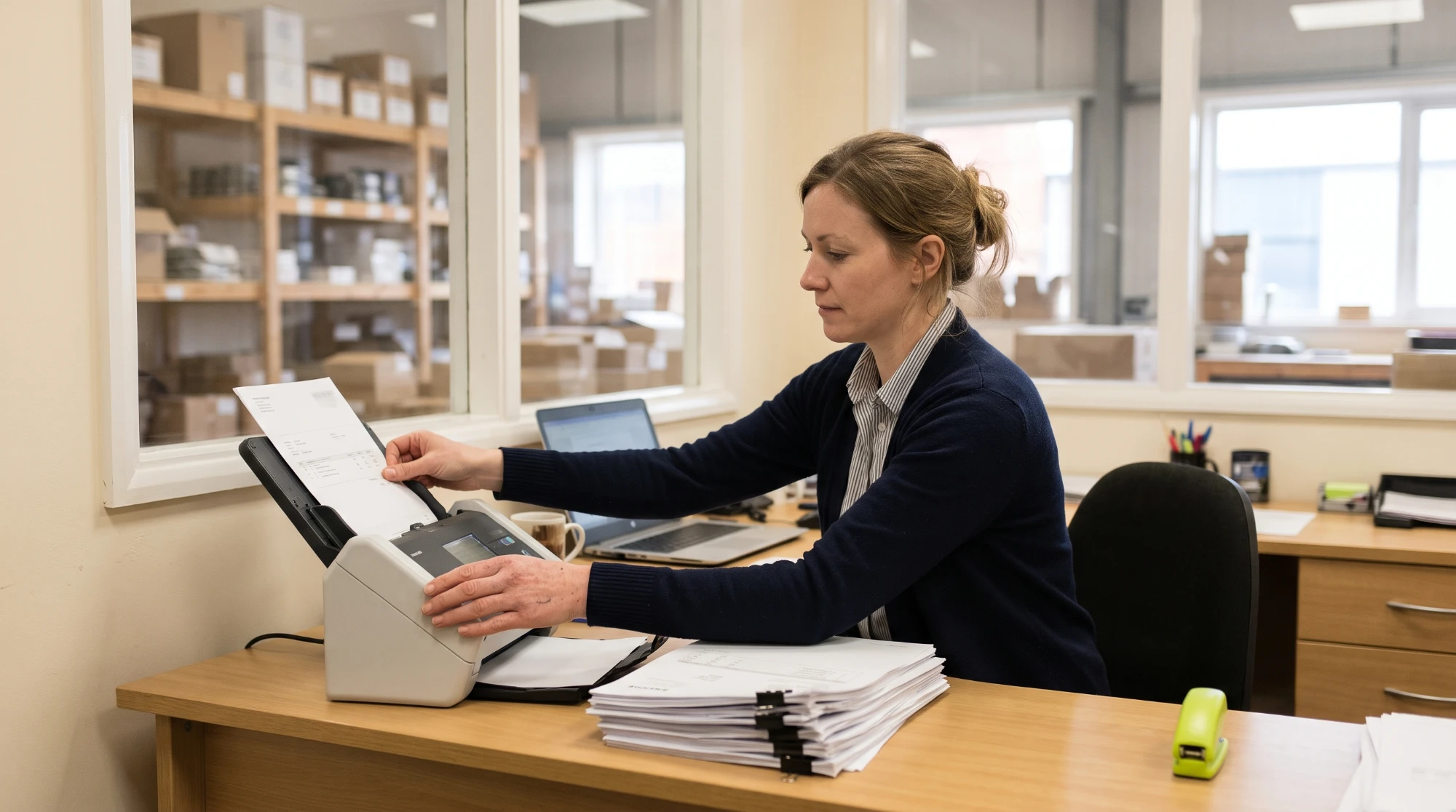
An accounts clerk feeding an invoice into a scanner, a warehouse visible through the office window.

AI SystemsFinance · document workflows

From scattered documents to structured decisions.

A document workflow captures supplier invoices as they arrive, flags what is uncertain and routes it to a reviewer.

Read the example

Common questions

Questions about data and document workflows.

How accurate is automated document reading?

It depends on the documents. We test on a sample of your real ones and report what we find before recommending how much to automate. Fields the system is unsure of go to a person.

Can you work with scanned or handwritten documents?

Often, with lower confidence than clean digital files. Testing on your own samples is the only honest way to answer.

Do you need to keep our documents?

Only as the work requires, and on the terms agreed with you. Storage and retention follow your policy.

Start a conversation

Is this the work that is slowing you down?

Describe how it runs today. We will say which model we would look at first, and why.